How to make a mind map: the complete guide (step by step + AI)
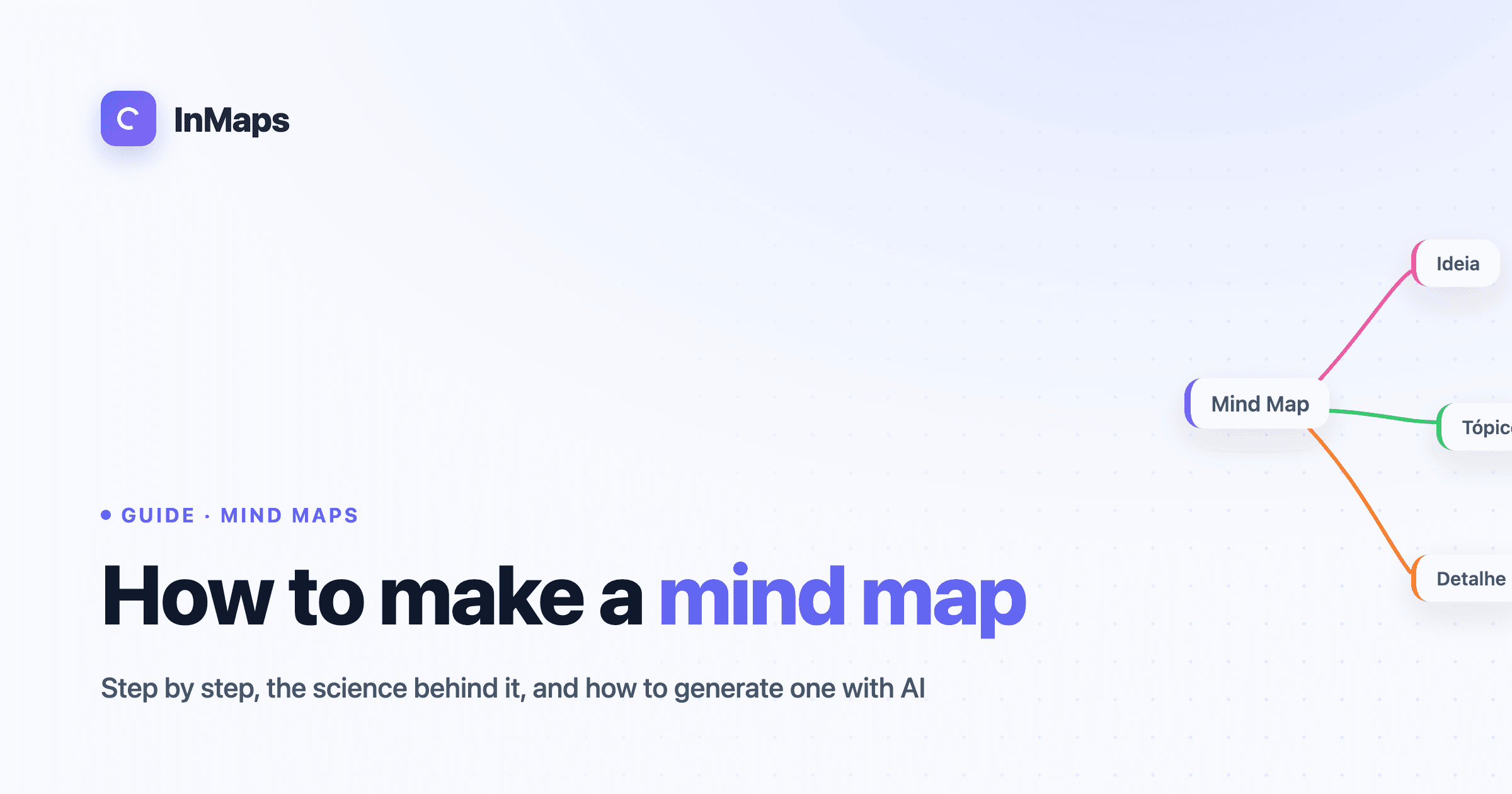
A mind map is a diagram that organizes information visually around a central concept, with branches that spread out into subtopics, keywords and colors. Instead of linear lists, it mirrors the way the brain associates ideas — through connections. In this guide you'll learn what it is, why it works (according to science), and how to make a mind map step by step, manually or with artificial intelligence.
What is a mind map?
A mind map is a visual thinking technique in which a central theme branches out into related ideas, forming a tree or radial structure. The term was popularized by British author Tony Buzan in the 1970s, especially after the BBC series "Use Your Head" (1974). The logic is simple: each branch starts from a keyword and spawns new branches, creating a web of associations.
Unlike running text, a mind map uses three resources at once — hierarchy (from the center to the edges), keywords (instead of long sentences), and visual elements (colors, icons, images). That makes it easier to see the whole and the parts at the same time, which helps with memorization and brainstorming.
Do mind maps actually work? What the science says
Yes — and there's scientific backing for it. The advantage of mind maps comes from two well-documented phenomena in cognitive psychology. The first is dual-coding theory, proposed by Allan Paivio in 1971: the brain processes verbal and visual information through separate channels, so combining a word and an image creates two memory routes instead of one.
The second is the picture superiority effect: we tend to remember images far better than isolated words. Add to that Hermann Ebbinghaus's forgetting curve (1885), which shows how quickly we forget what we don't review — and because mind maps are visual and condensed, they make review much faster. It's not magic: it's a way of encoding information that fits how memory works.
How to make a mind map step by step
To make a mind map, start from a central theme and branch out into subtopics using keywords, colors and a clear hierarchy. Here's the step by step:
- Define the central theme. Write the main idea in the middle (e.g. "Product launch"). Use a single word or short phrase.
- Create the main branches. Pull 3 to 6 branches for the big subtopics (e.g. "Marketing", "Product", "Sales"). Less is more at the first level.
- Add sub-branches. Detail each main branch with specific ideas. There's no depth limit, but keep each node to 1-3 words.
- Use keywords, not sentences. Each branch should be readable at a glance. This forces synthesis and improves memory.
- Apply colors and icons. Assign one color per main branch. The visual is not decoration — it's what activates dual coding.
- Review and reorganize. A mind map is alive. Drag, group and rename as the connections become clearer.
A practical rule: if a branch goes beyond 7 sub-branches, it should probably be two separate branches.
How to make a mind map with AI
The fastest way to make a mind map today is to describe the topic to an artificial intelligence and let it build the initial structure. In InMaps, for example, you type a subject or paste a text and the AI automatically generates the central node, the main branches and the sub-branches in seconds — already with colors and icons.
The advantage isn't just speed. AI helps you beat the "blank page": it suggests subtopics you might not have thought of, which you then edit, remove or expand. The ideal flow is hybrid — the AI gives the skeleton, you refine it with your own knowledge. For studying, you can paste a chapter summary and turn it into a map; for work, describe a project and get an org chart of tasks.
Common mistakes when making a mind map
- Writing long sentences instead of keywords — it destroys the synthesis.
- Too many branches at the first level — above 6, the map becomes noise.
- Using no color at all — you give up the main cognitive benefit.
- Treating it as final — the map should evolve as you think.
Frequently asked questions
What's the difference between a mind map and a concept map? A mind map starts from a single central concept and branches out hierarchically, focused on keywords and memory. A concept map connects several concepts to each other with linking phrases ("causes", "leads to"), focused on logical relationships. Mind maps are better for brainstorming and studying; concept maps, for explaining complex systems.
How long does it take to make a mind map? A simple mind map takes 5 to 15 minutes manually. With AI, the initial structure appears in seconds and the refining takes a few minutes.
Do I need to know how to draw? No. Mind maps use keywords, colors and simple icons — they don't require artistic skill. Digital tools handle the visuals for you.
Can I use a mind map to study? Yes. It's one of the most effective uses: summarizing chapters, reviewing before tests and connecting concepts. It works best combined with spaced repetition.
Ready to start? Create your first mind map in InMaps — with AI, in seconds.